Edit Perk
Need to change a perk's details after creating it? Here's how to edit perk settings.
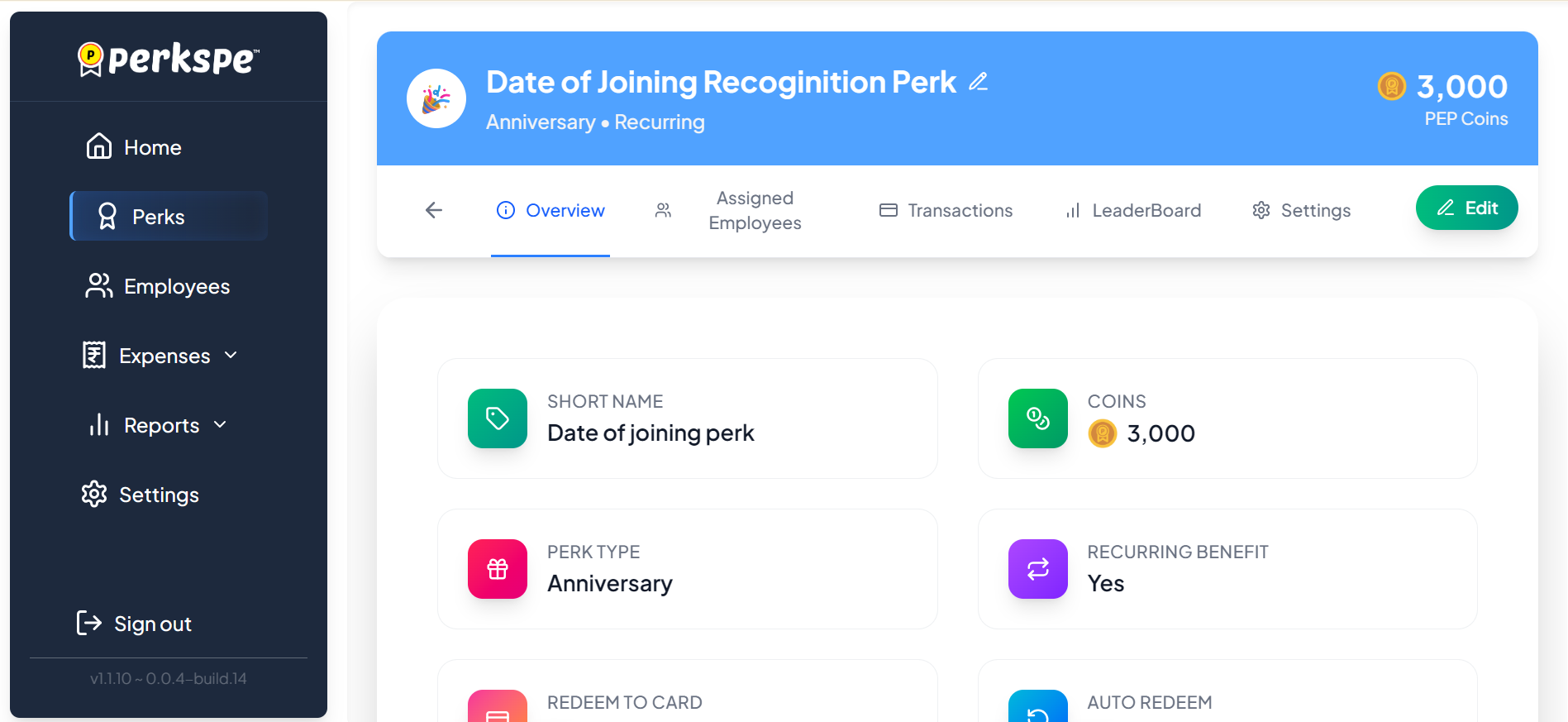
Short Name
Change the abbreviated name of the perk.

PEP Coins
Update the number of PEP Coins allocated for this perk.
Dates
Modify the Start Date or add an optional End Date.
Editing Recurring Settings
If the perk is set to recurring, you can also edit:
- Recurring Day: Which day of the month the perk is credited (1–31)
- Recurring Months: Which months the perk is active
Changes to recurring schedules will take effect from the next scheduled occurrence.
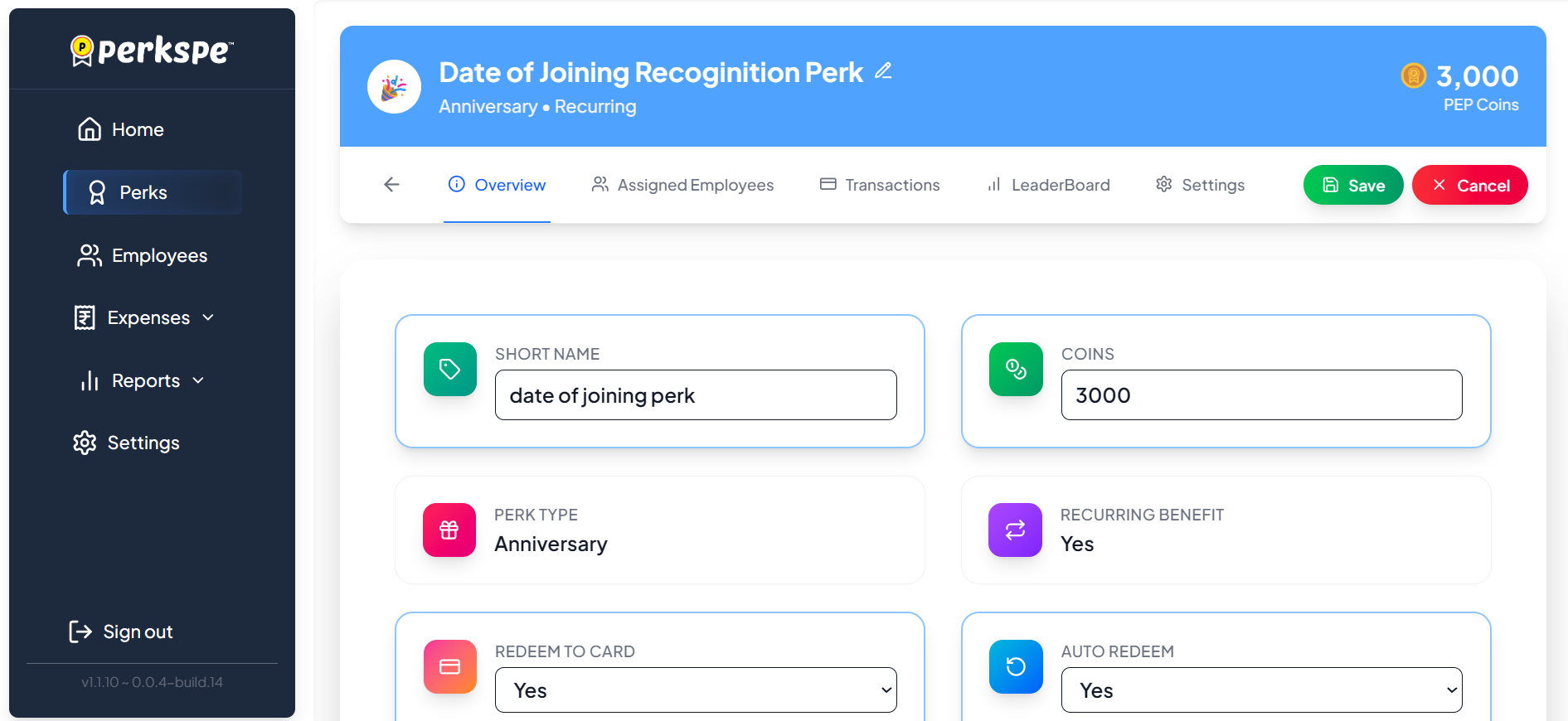
Save
Click Save to apply your changes immediately.
Cancel
Click Cancel to discard any modifications.
Food and Fuel cards can only be used for their specific purposes. For example, a Food card can only be used at food-related merchants, and a Fuel card can only be used at fuel stations. Transactions at non-matching merchants will be automatically declined. For a complete list of permitted merchant categories, see MCC Codes.